Broken Link Tracker for Framer
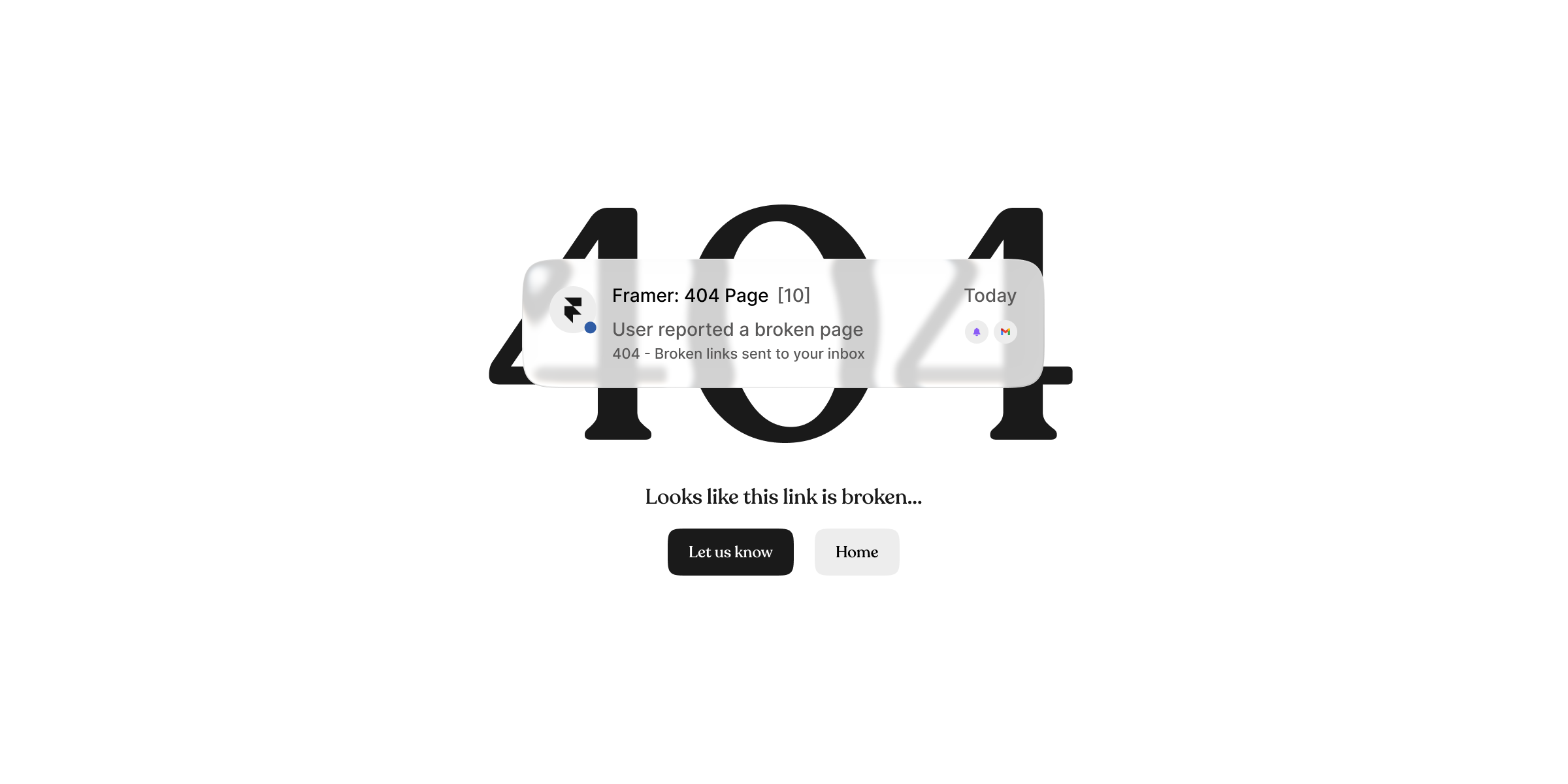
Receive broken link information from real users... Directly as an email.
Installs
Introduction
Broken or missing links hurt SEO, trust, and discoverability but actually finding them is slow and tiring, especially on content-heavy Framer sites.
You can crawl pages, run tools, or manually check links but none of those tell you what users were actually looking for when they hit a dead end.
Broken Link Trigger Code Component solves that by letting users report broken links for you, using a Framer Form email you already trust.
Why use this?
Broken Link Tracker helps you:
Identify broken and missing links you didn't know existed
Improve SEO health without crawling page by page
Discover content creation opportunities
Understand what users are searching for in your niche
See which keywords, topics, or AI tools are sending traffic to non-existent pages
Run your website properly without guessing
If users hit a 404, they're already telling you something.
This component simply listens.
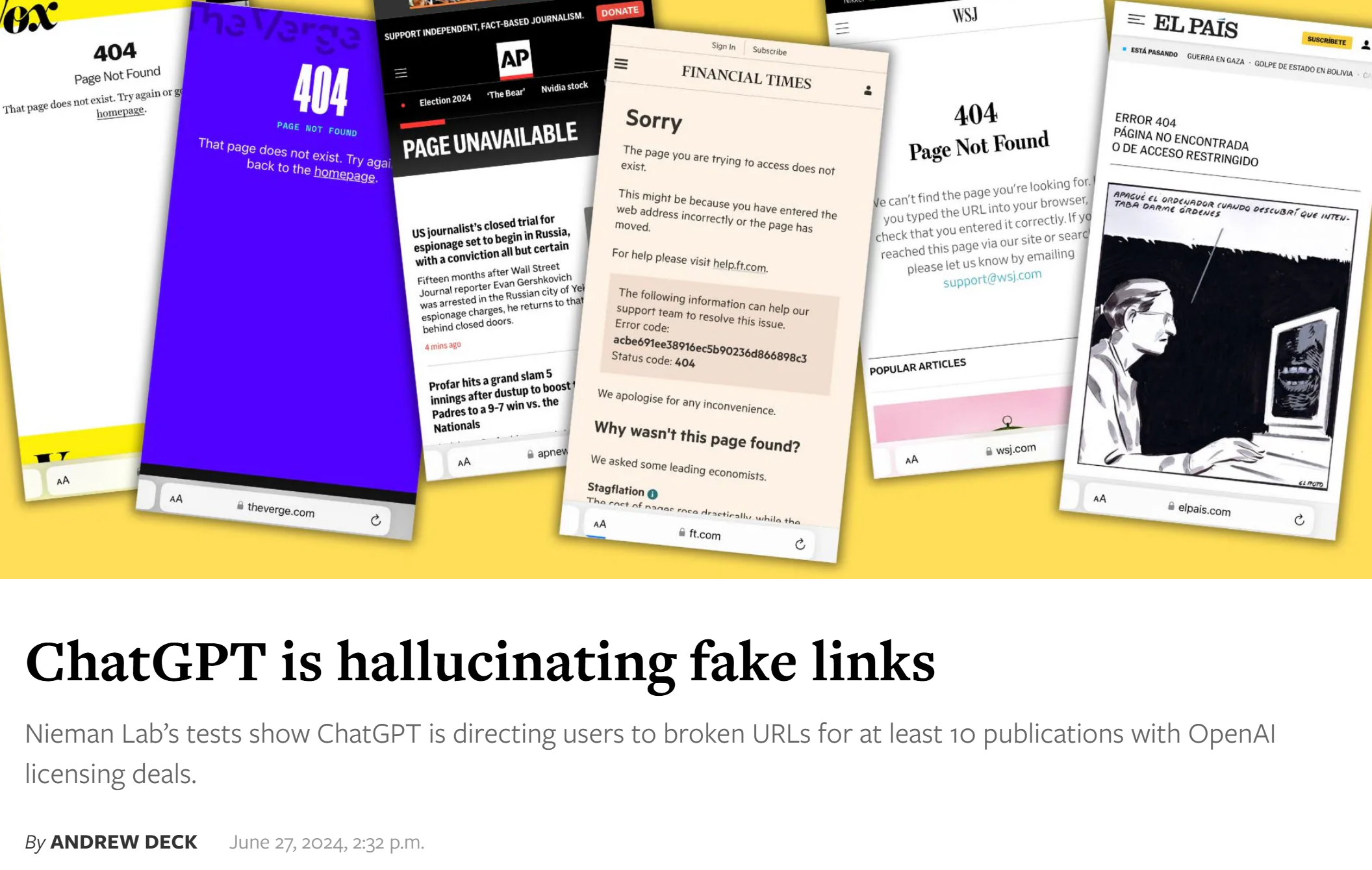
Screenshot: Collection of website 404 and unavailable page examples highlighting broken links.
How to use it in your Framer project
You already have everything you need inside this remix.
The setup is simple:
You'll see a Framer Form
Inside it, a Code Component handles the reporting
Choose where the email should be sent (or use Framer's webhook option if you already rely on that)
That’s it.
This is 100% Framer native
Which means you retain full control over:
Receiver email
Email subject
Email body
Source tracking
Success & loading states
Button UI
Any other standard Form options
No custom UI logic required.
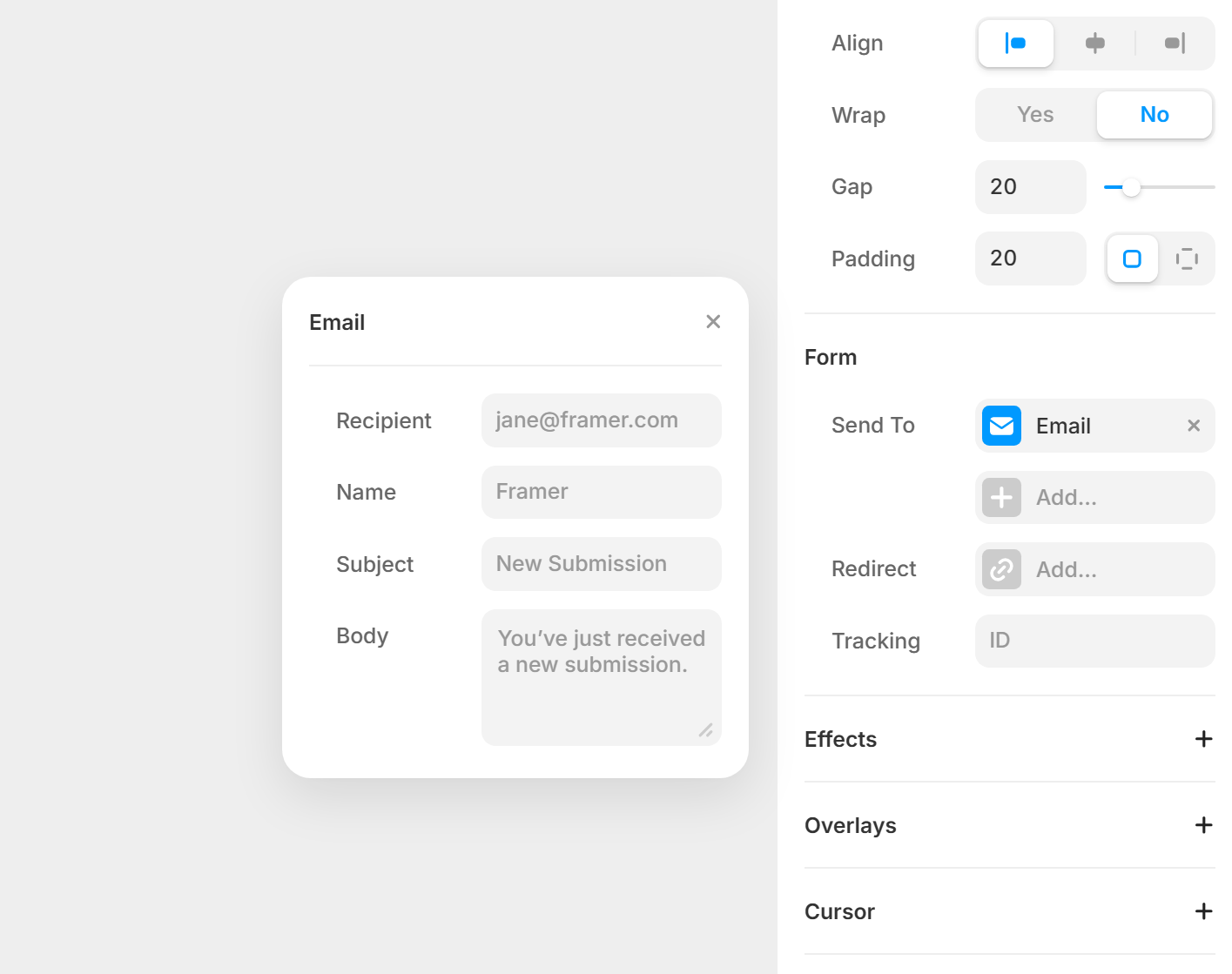
Screenshot: Framer Form email configuration interface showing recipient, subject, and body fields.
Full UI control
This is a Framer Code Component, not a black box.
You control:
Layout
Copy
CTA wording
Button placement
Visual hierarchy
Motion and interactions
What you receive in the email
Each report arrives as a clean, structured email ready to act on:
Broken URL (full URL)
Path
Domain
Came From (referrer or Direct / Unknown)
Reported at (timestamp)
First seen (timestamp)
On top of that, the experience is intentionally smarter than a basic form:
Adds context when the same visitor reports the same URL again
Includes a simple per-visitor count
Keeps everything lightweight and browser-based
Example email preview (structure only). The exact subject/body is controlled in your Framer Form.
Advanced UX (already handled)
Without adding complexity to your workflow, the component:
Keeps reporting lightweight and fast
Avoids duplicate noise while still sending every email
Labels repeats for context, not restriction
Respects user intent (if they click, you get notified)
You don't need to configure this, it’s already designed that way.
Free 404 UI sections (optional)
Along with the code component, you'll find Framer-designed 404 UI sections you can:
These sections are optional, use them as-is or replace them with your own design system.
The component works either way.


Code quality & intent
This component is designed to be:
Predictable
Lightweight
Framer-first
Easy to reason about
Visual hierarchy
Motion and interactions
There's no hidden tracking, no silent suppression, and no external dependencies.
If an email arrives, a real user clicked the button.
Conclusion
SEO isn't just rankings, it's understanding intent.
Broken pages reveal:
Missing content
Missed keywords
AI referral patterns
Gaps in your information architecture
Broken Link Trigger helps you catch those signals early, directly from users, inside Framer, without adding infrastructure or complexity.
Get the Broken Link Tracker Code Component
Add simple, Broken Link Tracking system to your Framer project in minutes.
FAQs
Does this use any external service?
No. Everything runs inside Framer.
Can I customize the email content?
Yes, through Framer's native Form settings.
Is this meant only for 404 pages?
That's the recommended use, but you control placement.